Things I Built
Apps, tools, and scripts I've crafted to solve real problems. Free to download, open source on GitHub.
-

Local Safe
AndroidPrivacy-first offline vault for cards, docs & bank details
An offline-only Android wallet that stores your cards, documents, bank accounts, and addresses on-device with AES-256 encryption. Zero cloud sync, zero ads, anonymous analytics only. Supports biometric & PIN auth, NFC card reading, camera OCR, optional Google Drive backups, and address auto-fill via reverse geocoding — all locally processed.
- React Native
- Android
- AES-256
- Biometrics
- NFC
- OCR
- Google Drive
Coming soon Privacy Policy -
Mac Gesture
Desktop macOS onlyCustom multi-finger trackpad gestures for macOS
Map 3-finger, 4-finger, and 5-finger trackpad taps to configurable actions — middle click, keyboard shortcuts, system controls, and more. All your existing swipe and pinch gestures keep working.
- Swift
- macOS
- CGEvent
- MultitouchSupport
First-time setup
- Open the DMG → drag MacGesture.app into Applications
- Remove the quarantine flag (required because the app is not notarized):
xattr -cr /Applications/MacGesture.app - Open MacGesture → grant Accessibility permission when prompted
- Tap your trackpad!
Without the xattr step, macOS will show "the app is damaged" — this is normal for unsigned apps downloaded from the internet. You only need to do this once per version.
-

React Secret Easter Egg
WebCustom React hook library for adding hidden easter eggs to your apps
A React hook library designed to help developers add hidden easter eggs to their applications. Supports key combinations, mouse click patterns, and voice commands as activation triggers with customizable callbacks and TypeScript support.
- React
- JavaScript
- TypeScript
- Hooks
-
Content Renamer
CLICLI tool to organize media files by timestamp and geolocation
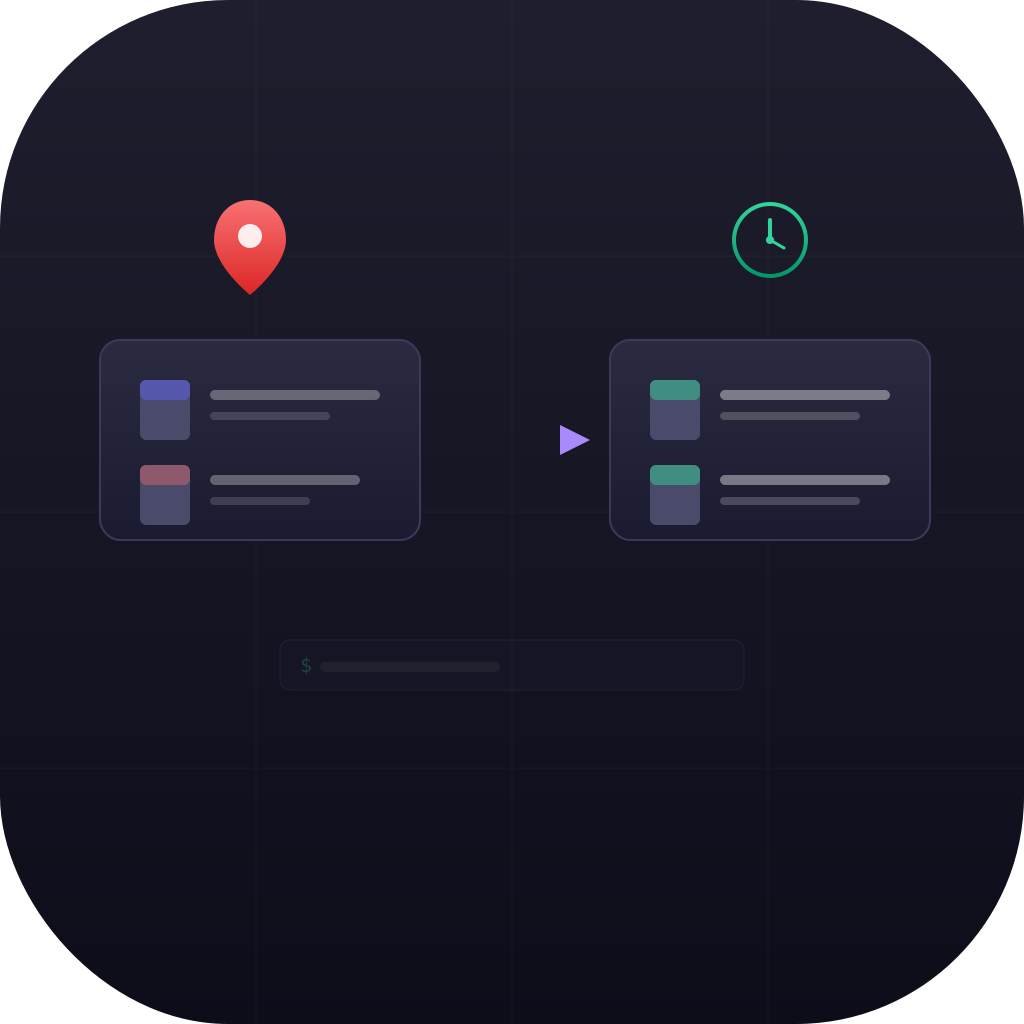
Automatically groups and renames photos and videos based on metadata timestamps and geolocation. Customize the time window (default 15 minutes) and distance threshold (default 100 meters) to intelligently organize your media library while preventing filename conflicts.
- JavaScript
- CLI
- Media
- Geotag
- Timestamp
- ExifTool
-

Reverse Proxy Manager
CLIAutomate nginx reverse proxy management with one command
A bash script that simplifies reverse proxy setup and management using nginx. Automatically creates nginx configurations, manages hosts file entries, validates URLs, and includes safety features like automatic backups and configuration testing to prevent service disruption.
- Shell
- Bash
- Nginx
- DevOps
-
Avifify
CLIConvert images to AVIF — on demand, in CI, or as a git hook
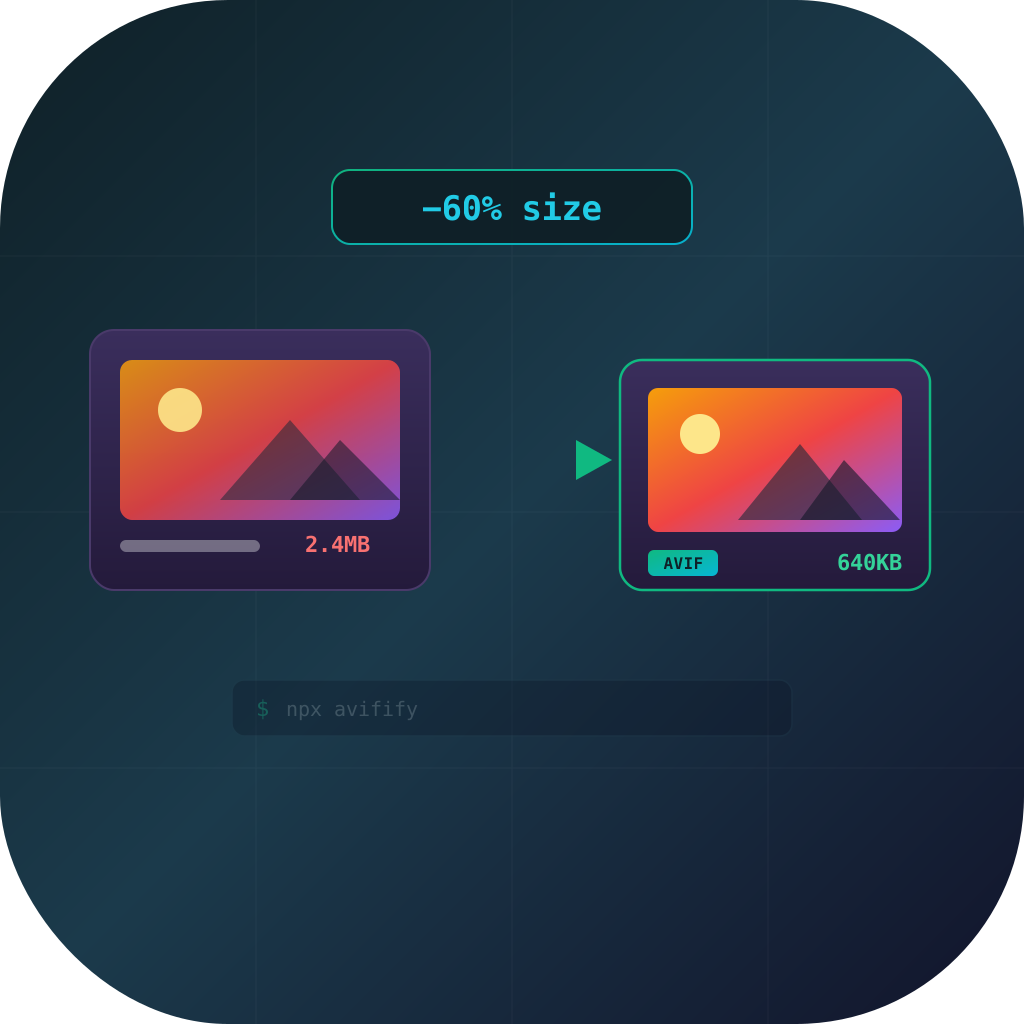
Production-ready CLI and programmatic API to convert JPEG, PNG, WebP, TIFF, GIF, BMP, and HEIF images to AVIF using sharp/libvips. Parallel encoding with smart defaults, skip-if-larger protection, dry-run previews, JSON Lines output for pipelines, and one-command pre-push / pre-commit git hook installation (Husky-aware). Configurable via .avififyrc.json, package.json, or CLI flags — delivering 30-60% smaller assets than JPEG and 20-40% smaller than WebP at equivalent quality.
- Node.js
- CLI
- AVIF
- sharp
- libvips
- Git Hooks
- CI/CD
-
CommitConfetti
CLICelebrate every git commit with sound and a native notification
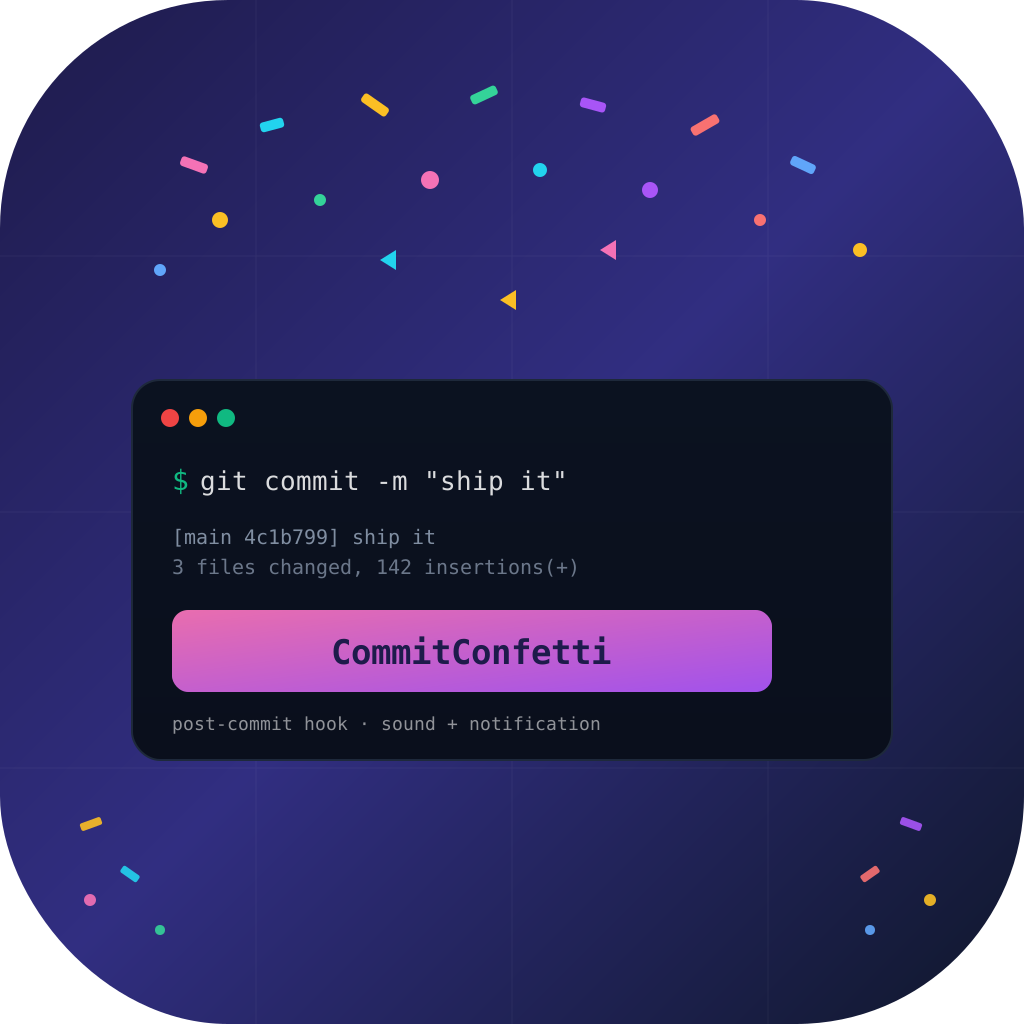
A cross-platform Node.js CLI that hooks into git's global `core.hooksPath` to fire a tier-based celebration on every commit — first-of-day fanfare, big-commit chime, or a quiet acknowledgement. Plays OS-native sounds (afplay/paplay/PowerShell) and posts notifications via node-notifier on macOS, Linux, and Windows. Detached post-commit trigger keeps commits instant, idempotent install/uninstall preserves your existing hooks path, and config + stats live in `~/.config/commitconfetti/`. Free, MIT, zero telemetry.
- Node.js
- TypeScript
- CLI
- Git Hooks
- node-notifier
- commander
- Cross-platform
-

Food Timetable
WebWeekly meal planner with randomizer, swap, and exports
A browser-only meal planner for the household. Maintain a tagged dish inventory (breakfast/lunch/dinner), generate a 7-day timetable with a soft-constraint randomizer that avoids back-to-back repeats, swap meals between cells, and pick 1–3 alternates per slot for the cook. Export to PNG/CSV/JSON or print-friendly HTML. All data stays in your browser — no account, no cloud, no server.
- React
- TypeScript
- Astro
- localStorage
- html2canvas
-

Text Extractor
DesktopDrag-to-OCR any region of your screen — 100% local
A cross-platform Tauri tray app that extracts text from any region of your screen — including text inside images, videos, and other non-copyable interfaces — using local Tesseract OCR. Press the global hotkey (Cmd+Shift+T on macOS, Ctrl+Shift+T on Windows/Linux), drag a rectangle, and the recognized text lands on your clipboard. No cloud calls, no account, no telemetry.
- Tauri 2
- Rust
- React
- TypeScript
- Tesseract OCR
- xcap
First-time setup
- Open the DMG → drag Text Extractor.app into Applications
- Remove the quarantine flag (required because the app is not notarized):
xattr -dr com.apple.quarantine "/Applications/Text Extractor.app" - Launch Text Extractor → grant Screen Recording permission when macOS asks (System Settings → Privacy & Security → Screen Recording)
- Press Cmd+Shift+T anywhere → drag a rectangle → paste
Without the xattr step, macOS will show "the app is damaged" — this is normal for unsigned apps downloaded from the internet. You only need to do this once per version. Without Screen Recording permission, captures will come back black.